
Most AI SDR guides leave you stuck in planning mode with no clear starting point. This implementation roadmap eliminates that paralysis:
Get specific agent priorities and timelines — Start with three foundation agents (Daily Prioritizer, Account Dossier, Stakeholder Finder) in weeks 1-2 that require minimal CRM integration yet deliver immediate time savings, not vague “pilot something” advice
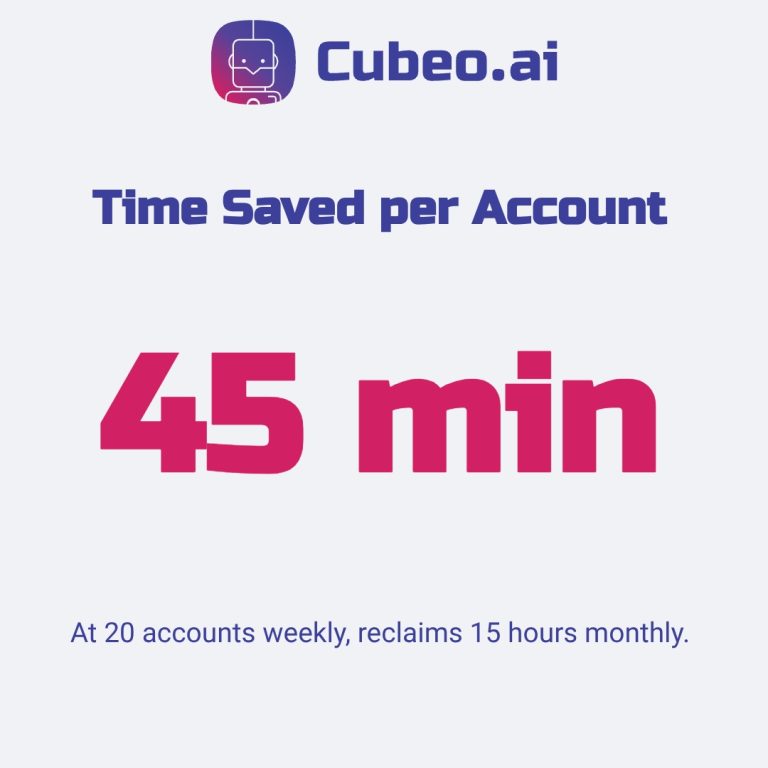
Reclaim 15 hours monthly within eight weeks — Account Dossier alone saves 45 minutes per account; at 20 accounts weekly, that creates capacity for 50 additional prospect touches and measurable meeting lift
Deploy safely with built-in guardrails — Draft-only mode and human review stay active until agents hit 90%+ accuracy across 50+ actions, protecting your brand while building trust
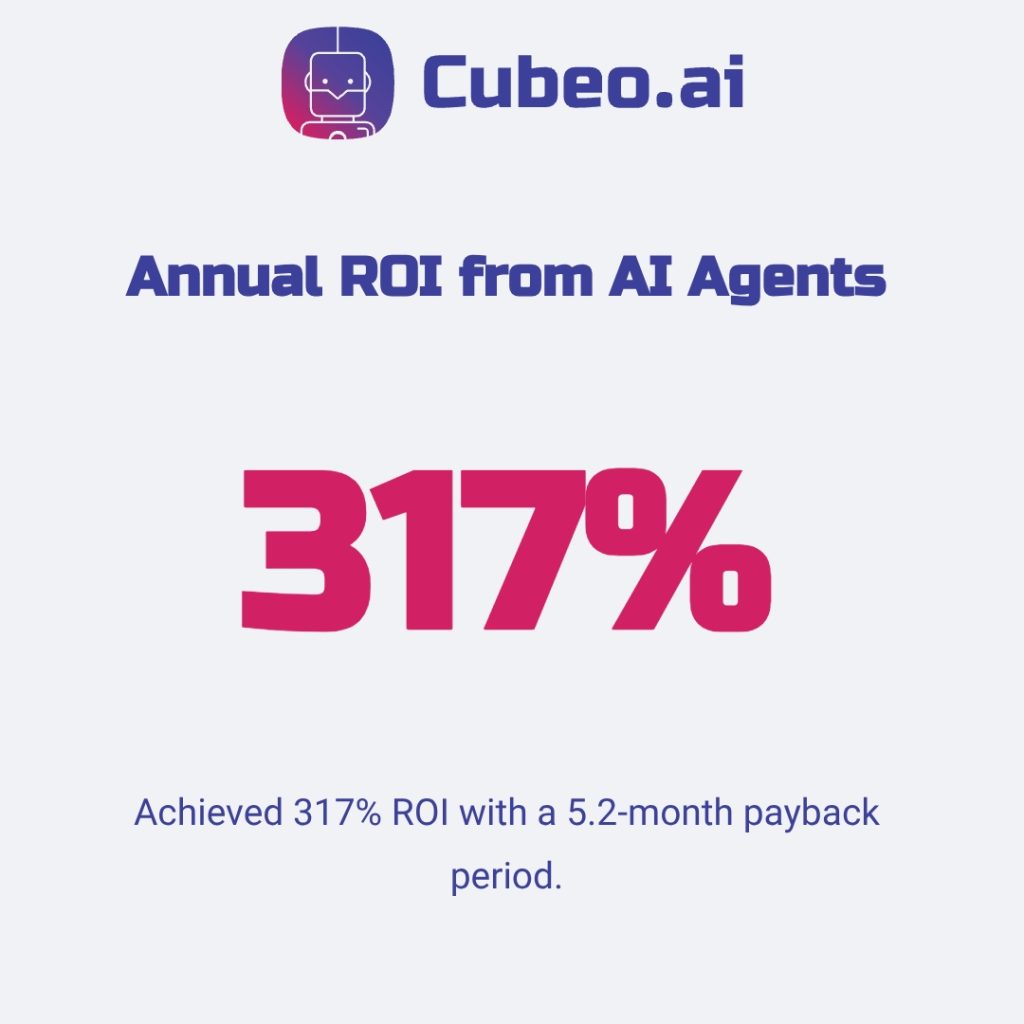
Scale to 317% annual ROI using proven benchmarks — Teams following phased rollout report 5.2-month payback periods, 70% conversion increases, and 76% win rate improvements with documented success gates at each phase
Week-by-week implementation details, resource checklists, and specific success thresholds follow below.
How to Implement AI SDR in 4 to 8 Weeks
Most AI SDR guides tell you to “start small” but never show you how. You get vague advice about pilots and experimentation, yet no week-by-week plan, no agent priorities, and no resource checklist. This guide delivers the exact roadmap to implement AI SDR in five phases, with specific agents to build first and realistic timelines for each stage.
You’ll start with foundation agents: Daily Prioritizer and Account Dossier, that deliver immediate value without complex CRM rewrites. These aren’t black-box tools; you build custom workflows matching your sales process, with human review by default (draft-only actions until approved). Quick math: Dossier saves roughly 45 minutes per account. At 20 accounts weekly, that’s 15 hours reclaimed, enough capacity for 50 extra touches monthly, converting to measurable meeting lift. By week eight, you’ll have concrete ROI—hours saved, funnel improvement, and clear payback—with a scalable system ready to expand.
Phase 1: Foundation and Assessment (Week 0–1)
Week zero starts with diagnosis, not deployment. This phase takes five to seven days and requires your RevOps lead plus one senior SDR who knows workflow pain points firsthand.
Audit Your Sales Workflow
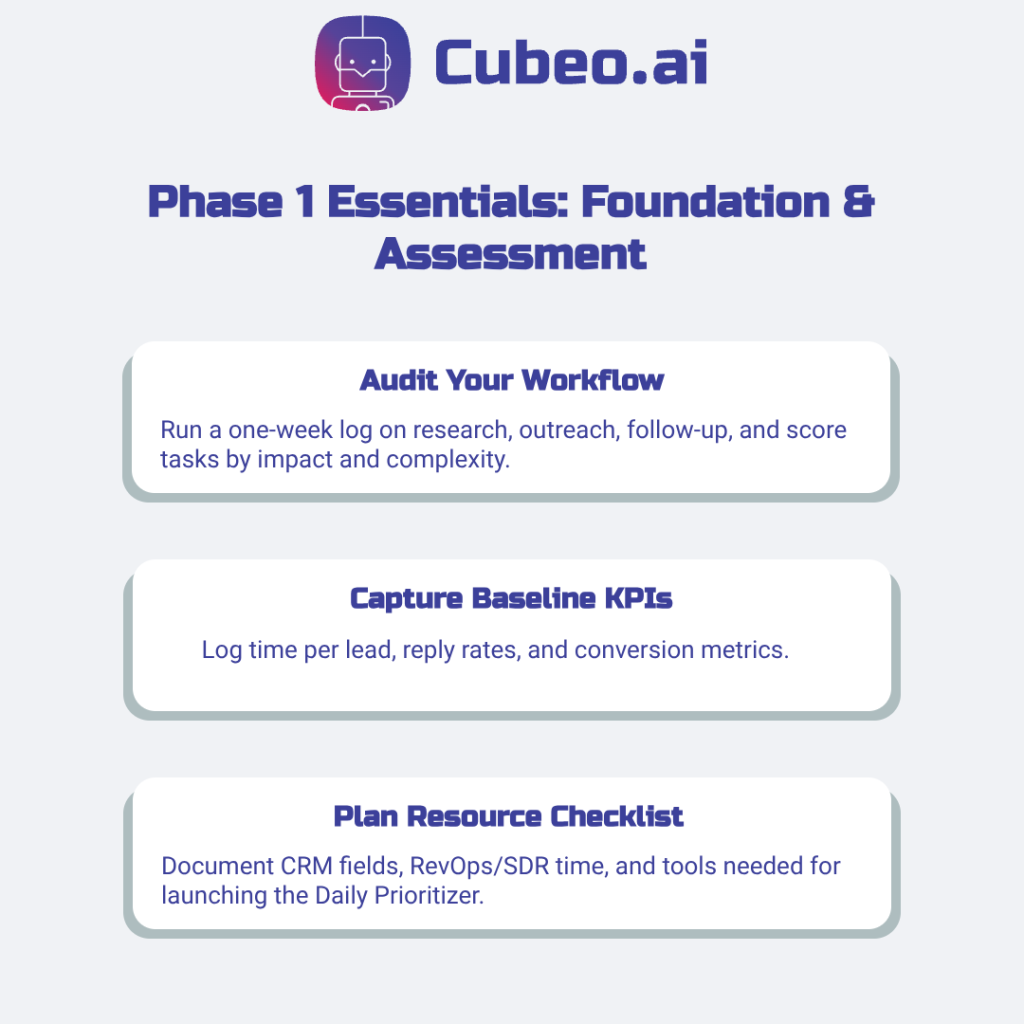
Run a one-week time log across your SDR team tracking hours spent on these tasks:
Research and prioritization: How long to qualify each account and identify key contacts
Outreach creation: Time spent drafting personalized emails and LinkedIn messages
Follow-up execution: Manual sequencing and response tracking overhead
Bucket tasks into those three categories, then score each using this formula: time saved × business impact × implementation complexity. Teams that remove bottlenecks report a 76% increase in win rates. Tasks scoring high on time-saved and impact yet low on complexity become your phase-two build targets.
Define Success Metrics
Capture baseline KPIs now so you can prove ROI later:
Current performance: Log time per lead, email reply rates, and meeting conversion percentages across your team
Improvement benchmarks: Set realistic targets. Financial services firms cut response time by 94% using similar assessments
Assess Resource Requirements
Build your week-by-week resource checklist covering three areas:
Data and integrations: CRM fields (company name, title, recent activity), LinkedIn Sales Navigator access, intent signals; identify required integrations like Salesforce or Outreach
Time commitments: RevOps lead (8–12 hours week zero), Senior SDR (6–8 hours), CRM admin (2–4 hours for field mapping)
Quick-win starting point: Begin with Daily Prioritizer, which needs only CRM read access and basic ICP rules (ideal-customer-profile criteria)—no complex API work
Low-effort agents build organizational confidence before heavier-lift deployments.
Phase 2: Agent Selection and Prioritization (Weeks 1–2)
The Crawl Phase: Start with Foundation Agents
Deploy these three agents first because they require minimal CRM integration yet deliver measurable time savings. SDRs spend 70% of their time on non-selling activities— foundation agents reclaim that capacity without touching customer-facing sequences.
Daily Prioritizer scores and ranks inbound leads plus existing accounts each morning based on your ideal customer profile (ICP)—company size, industry, recent activity signals.
Account Dossier builds research briefs pulling firmographics, tech stack, recent news, and key contacts into one document.
Stakeholder Finder identifies decision-makers and influencers within target accounts (requires LinkedIn Sales Navigator or enrichment access).
These three agents feed data into downstream agents. Build this foundation before attempting outbound drafters—otherwise you’ll send outreach that looks personalized but lacks reliable context, increasing error and reputation risk.
Success Criteria for Phase 2
Gate your advancement to phase three using these deliverables:
Deployed and tested: Each foundation agent executes its core workflow correctly on real accounts—run 10–15 test cases with manual review
Baseline KPIs captured: Log time saved per agent—aim for typical ranges observed in pilots (Prioritizer saves roughly 30–45 minutes per SDR daily; Dossier saves 40–60 minutes per account). Validate these targets on your first 10–15 test accounts
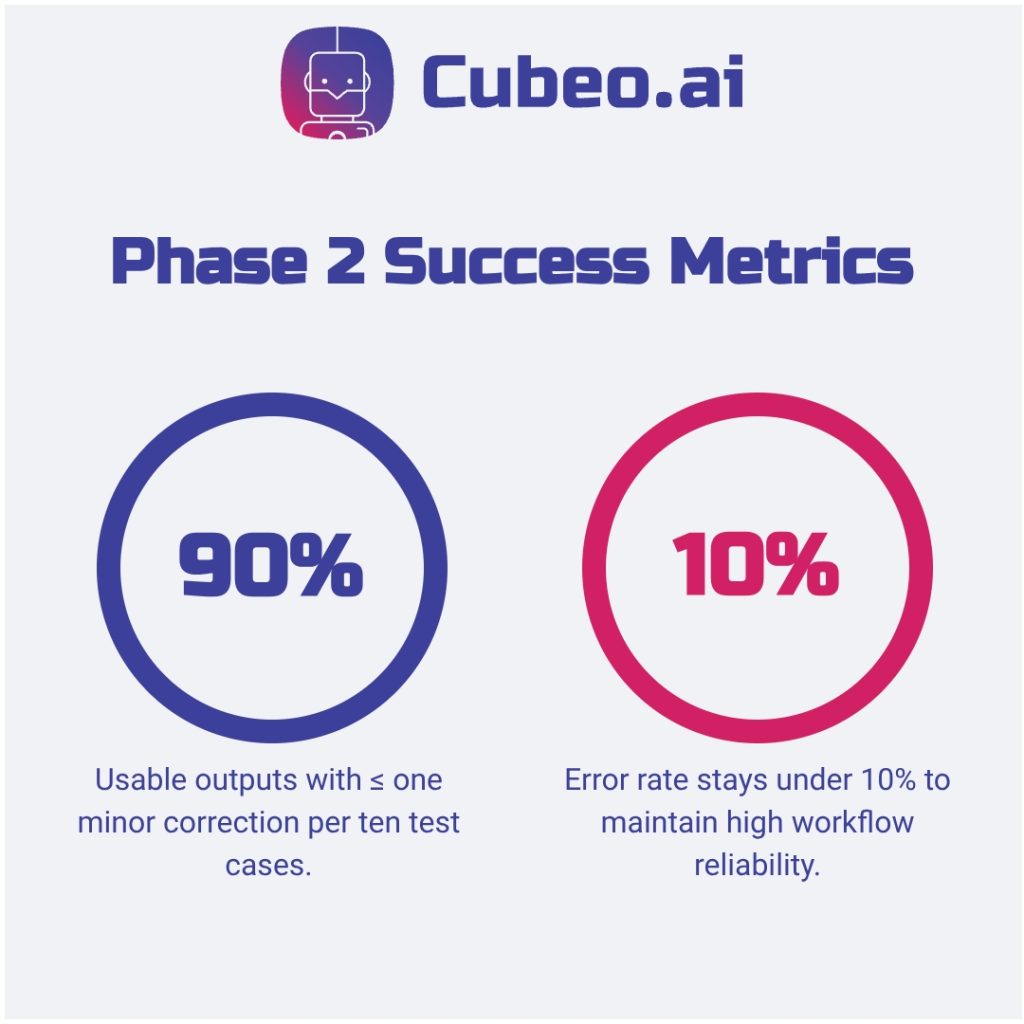
Reliability threshold met: Agents produce usable outputs (no more than one minor correction needed) 90%+ of the time. If error rates exceed 10%, tighten ICP filters, add validation checks, or require human review until metrics improve
Team buy-in confirmed: Your pilot SDR reports agents save time and improve work quality
Companies using phased rollout report 20-30% pipeline generation increases by validating each stage before scaling. Measure time saved now so you can prove ROI before requesting budget for outbound automation agents.
Phase 3: Build and Customize Your Agents (Weeks 2–4)
Configure Agent Inputs
Each agent requires five core inputs to function reliably:
ICP rules: Company size, industry, tech stack criteria defining ideal customers
Tone guide: Your brand voice, formality level, and style preferences
Approved claims library: Vetted messaging about your product (no unapproved marketing promises)
Objection library: Common pushbacks with tested, compliant responses
Proof points: Case studies, metrics, testimonials backing your claims
Daily Prioritizer needs scoring weights and lead signals. Account Dossier requires positioning docs, competitor landscape, and case study library. Stakeholder Finder uses org chart heuristics and decision-maker titles per vertical. Use Cubeo’s Agent Builder for drag and-drop configuration without code—clone templates, adjust inputs, test outputs. When you customize inputs thoroughly, teams see measurable gains—SuperAGI reports roughly 61% improved sales performance.
Set Up Tool Access and Integrations
Map specific CRM fields each agent needs: company name, industry, revenue, contact title, recent activity timestamps, email engagement history. Start with read-only CRM access for foundation agents—they score and research but don’t write records yet.
Test every integration in sandbox mode first. Connect staging environments, run 10–15 synthetic accounts, verify data flows correctly before granting production access. Week three focuses on integration testing; week four handles permission expansion after reliability checks pass. Capgemini’s research on AI agents finds clean integrations and strong governance drive adoption—62% of organizations prefer partnering with solution providers for exactly this reason. Use sandbox testing and staged permissions to match enterprise best practices.
Configure Safety Guardrails
Think of guardrails as circuit breakers—they stop bad actions before causing system-wide failures. Set three layers: draft-only mode (agents suggest actions, you approve), approved claims enforcement (agents use only vetted messaging), and rate limits (maximum touches per contact per week—start at three to prevent spam complaints).
As noted in Phase 2, default to human-in-loop for all agents initially. 69% of organizations cite human oversight as their primary risk mitigation strategy, and 60% don’t trust full autonomy yet. Expand agent autonomy gradually after proving 90%+ accuracy over 50+ actions.
Phase 4: Pilot and Deploy (Weeks 4–6)
Configuration complete—now test agents on real accounts with controlled scope. Start with roughly 10% of leads or one low-risk territory, monitor daily, iterate fast, and expand only after hitting specific success thresholds. (See MIT’s analysis on generative AI deployment impacts.)
Run Controlled Pilot (Weeks 4–5)
Define exact pilot parameters before launching:
Segment: Single low-risk territory or new inbound stream
Volume: 20–30 accounts weekly (roughly 10% of lead pool)
Duration: Two weeks minimum
Success metrics: Response rate lift, time-saved per account, correction rate below 10%
Review policy: 100% manual review week one, then 20–30% spot-check week two
Edge cases surface fast during pilots. Agents might misread job titles, hallucinate account facts, or draft tone-deaf messages when context is ambiguous. Log failures in a simple spreadsheet (what failed, cause, fix applied, date)—these become your config refinement roadmap. Tightening ICP filters after observing initial misclassifications typically cuts response time materially by week two. For structured pilot governance and cross-industry best practices, reference the MIT Generative AI Impact Consortium.
Monitor and Iterate (Week 5–6)
Build a daily monitoring checklist with clear owners:
Message quality — spot-check 10 outputs daily — Pilot SDR
Handoff accuracy — verify routing and priority updates — RevOps lead
CRM hygiene — scan for duplicates and wrong fields — CRM admin Approval throughput — track percentage edits versus approvals — Pilot SDR
System usage — monitor LLM query counts and token consumption — Platform owner
Complaints and flags — watch inbox and spam reports — Compliance
Expect rapid improvement during weeks five and six. Agents learn from your feedback when you correct bad outputs and approve good ones. Document every config change with date and rationale so you build an audit trail for ROI and compliance reporting.
Expand to Full Deployment (End of Week 6)
Set specific expansion gates: agents must hit 90%+ output accuracy, meet baseline response rate targets, and show measurable time savings before you scale. Full deployment means broader lead coverage, yet human oversight remains—draft-only mode and approval workflows stay active even at scale until trust is earned through sustained performance.
Phase 5: Scale and Optimize Advanced Agents (Week 6+)
Add Advanced Agent Capabilities (Weeks 6–8)
Roll out remaining agents in dependency order:
Drafter and Follow-up (weeks 6–7) build on Dossier research to generate personalized sequences
Meeting Booker (week 7) activates once Follow-up shows reliable response rates
Call Copilot (week 8) requires call context and scheduling data from Meeting Booker
CRM Hygiene and AE Handoff (week 8+) deploy last, relying on clean data flows from earlier agents
Launch each agent in draft-only mode for two weeks minimum. Spot-check outputs daily, then expand autonomy gradually after hitting 90%+ accuracy thresholds.
Measure and Report ROI (Ongoing)
Track three metric categories per agent:
Efficiency: Hours saved per agent per week (log daily, aggregate monthly)
Quality: Funnel conversion lift at each stage (track reply rate, meeting rate, pipeline velocity)
Cost: Total automation expense versus equivalent human SDR cost
Businesses scaling AI sales agents report 317% annual ROI with 5.2-month payback periods, and conversion rates lift up to 70% when advanced agents automate personalized outreach. Create executive dashboards visualizing these metrics quarterly. Log baseline versus current performance for each agent to prove incremental impact.
Continuous Learning and Optimization (Ongoing)
Establish a quarterly optimization cadence: review agent performance, update ICP rules and messaging inputs, refine guardrails based on edge cases, and retire agents that no longer fit your workflow. Best AI workflows evolve with market shifts, ICP changes, and team feedback.
FAQ
How long does AI SDR implementation take?
Getting an AI SDR deployed and contributing to business metrics typically takes 1 to 3 months to reach peak performance, though initial setup can be much quicker, often within a few weeks or even days for specific tools. This timeframe accounts for not just the technical deployment but also the crucial training and continuous refinement needed for reliable, production-ready operation.
While some solutions promise rapid setup, the real value comes from treating the AI SDR like a new team member—investing time to train it with your specific ideal customer profile (ICP), messaging, and guardrails. Expect an initial deployment period of about two weeks to get agents running, followed by 60-90 days of dedicated effort for tuning and optimization. This iterative process ensures the AI handles edge cases effectively and aligns with your business objectives, moving beyond a mere demo to consistent, measurable outcomes.
The upfront investment in training and refinement pays significant dividends, accelerating time-to-value compared to the 3+ months it takes for a human SDR to become fully effective. By committing to this focused effort, teams can quickly scale proven outbound motions, secure in the knowledge that their AI automations are robust, monitored, and truly contributing to pipeline and conversion rates.
What resources do I need to implement AI SDR?
Successfully implementing an AI SDR demands more than just software; it requires strategic clarity, a robust technical infrastructure, and high-quality training data. First, define your ideal customer profile (ICP) with precision, understanding who you’re targeting, their pain points, and effective messaging. This strategic foundation is critical because AI scales what works, not what’s broken.
Technically, ensure your existing CRM, marketing automation, and email platforms can integrate seamlessly with the AI SDR solution to maintain data flow and prevent outreach to existing contacts. Equally vital is comprehensive training data, including your brand voice, product details, common objections, and clear guardrails for handling diverse lead types. Expect to invest 15-20 hours weekly in the initial 90 days for training and refinement, ensuring the AI operates reliably and efficiently. Establishing clear handoff rules for when human SDRs should intervene also ensures a smooth, human-in-the-loop workflow.
Should I build or buy an AI SDR?
The decision to build or buy an AI SDR hinges on your specific constraints, available engineering resources, and the level of differentiation you seek. For most teams, especially those without a dedicated engineering team and months to spare, buying a proven AI SDR solution is often the more pragmatic and faster route to production-ready results. Pre built platforms offer quick deployment and integrated functionality, accelerating time-to value and allowing your team to focus on strategic data and lead context rather than replicating existing technology.
However, if your goal is deep customization, enterprise-wide workflows that connect across multiple systems, or a unique competitive advantage, building in-house provides unparalleled control over data, security, and proprietary decision logic. This approach demands significant investment in time and engineering expertise but delivers tailored capabilities that off-the-shelf solutions cannot match. A hybrid strategy, starting with a vendor solution for quick wins and then evolving towards in-house customization as needs grow, can also offer a balanced path, ensuring both speed and long-term strategic flexibility.
Which AI SDR tasks should I automate first?
To achieve immediate impact and build confidence, focus on automating repetitive, high volume, and predictable tasks that currently consume significant human SDR time. Key areas to target first include email follow-ups, initial lead qualification, data enrichment, and scheduling. These tasks are often manual, prone to inconsistency, and an ideal fit for AI’s ability to operate continuously with precision.
Starting with automated email sequences and follow-ups ensures no lead falls through the cracks, maintaining consistent engagement even outside business hours. Next, leverage AI for lead qualification to triage inbound inquiries and prioritize high-intent prospects, allowing human SDRs to focus on more complex, relationship-driven conversations. A phased “crawl, walk, run” approach, beginning with lower-value leads or off-hours coverage, helps refine the AI’s performance and builds internal trust before expanding to core functions. By offloading these foundational, repeatable elements, you empower your human team to concentrate on strategic outreach and closing deals, directly impacting cycle time and conversion rates.